 Developer Tools
Templ
Type-safe HTML templating language for Go with compile-time safety
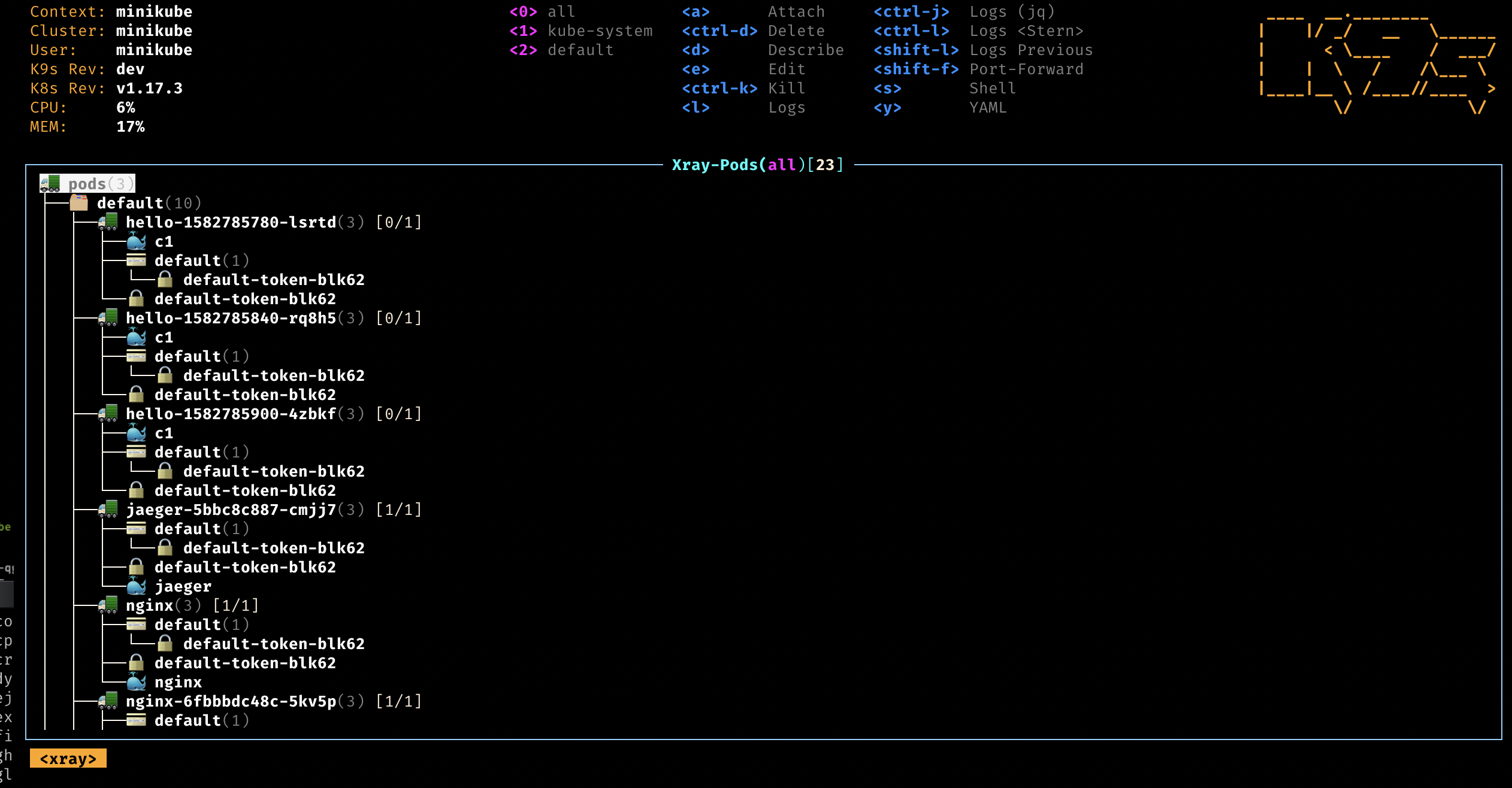
k9s is a free, open-source terminal UI that puts your Kubernetes cluster a few keystrokes away. It is the fastest way most engineers can list pods, tail logs, and chase down a failing deployment.
k9s is a terminal-based UI that wraps the Kubernetes API and turns cluster management into a keyboard-driven experience. We rate it 92/100 — if you spend any meaningful time in kubectl, k9s will pay for itself (which is easy, because it is free) within a week.
k9s is an open-source Kubernetes CLI written in Go by Fernand Galiana of Imhotep Software LLC. The first public release landed on , and the project has grown into one of the most starred Kubernetes tools on GitHub — 33,500+ stars as of May 2026. It is licensed under Apache-2.0 and ships as a single static binary for macOS, Linux, and Windows.
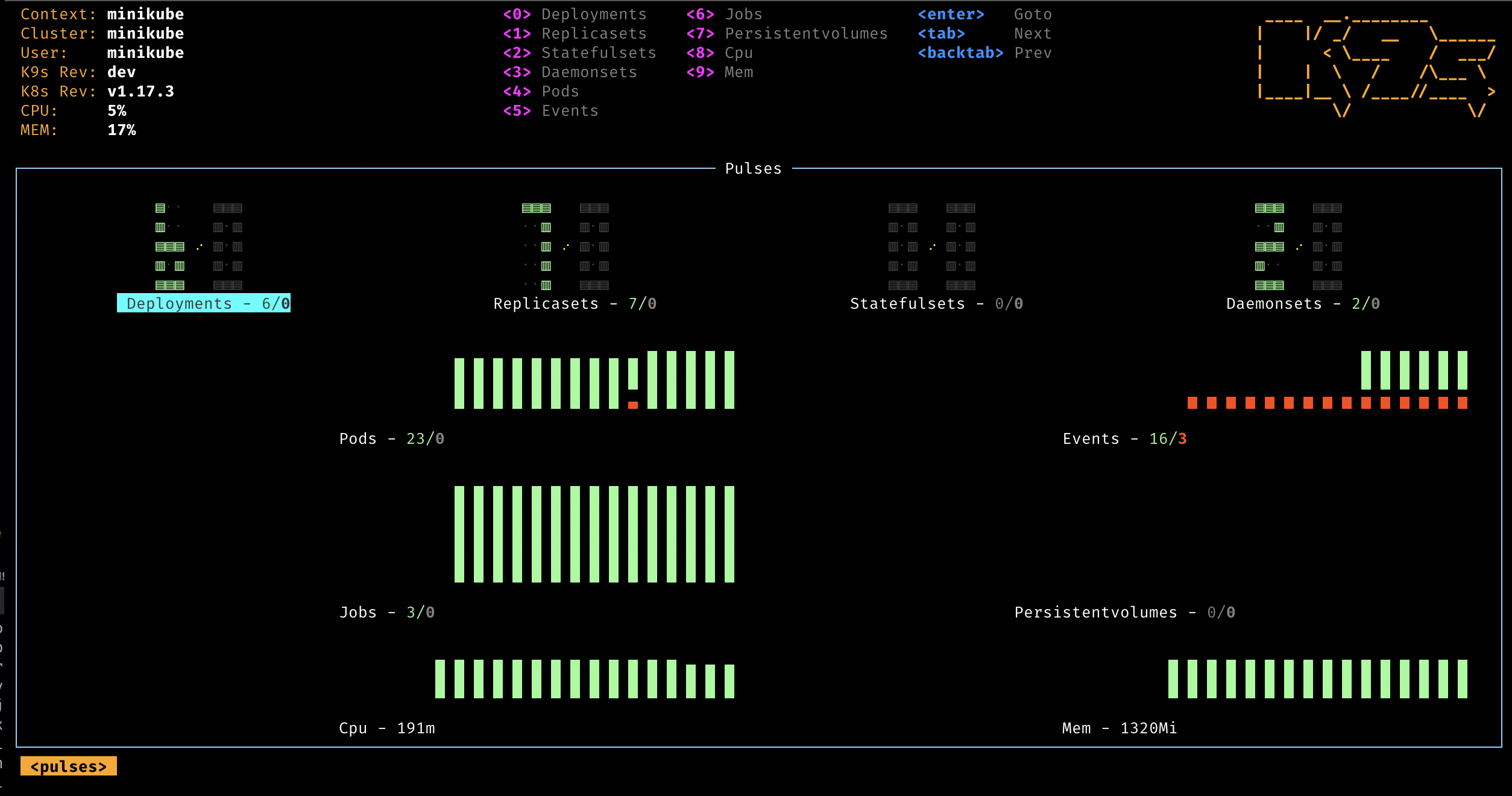
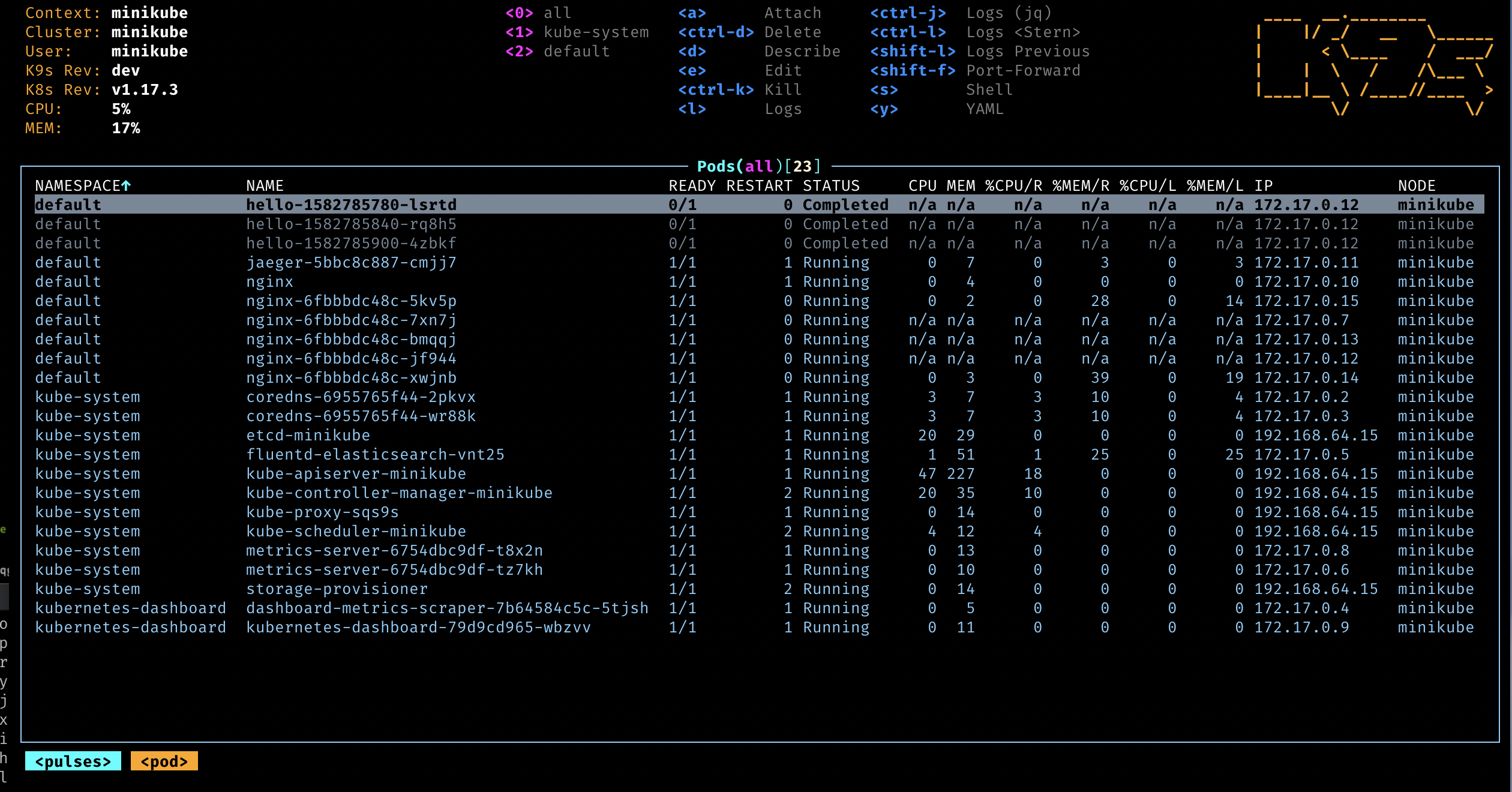
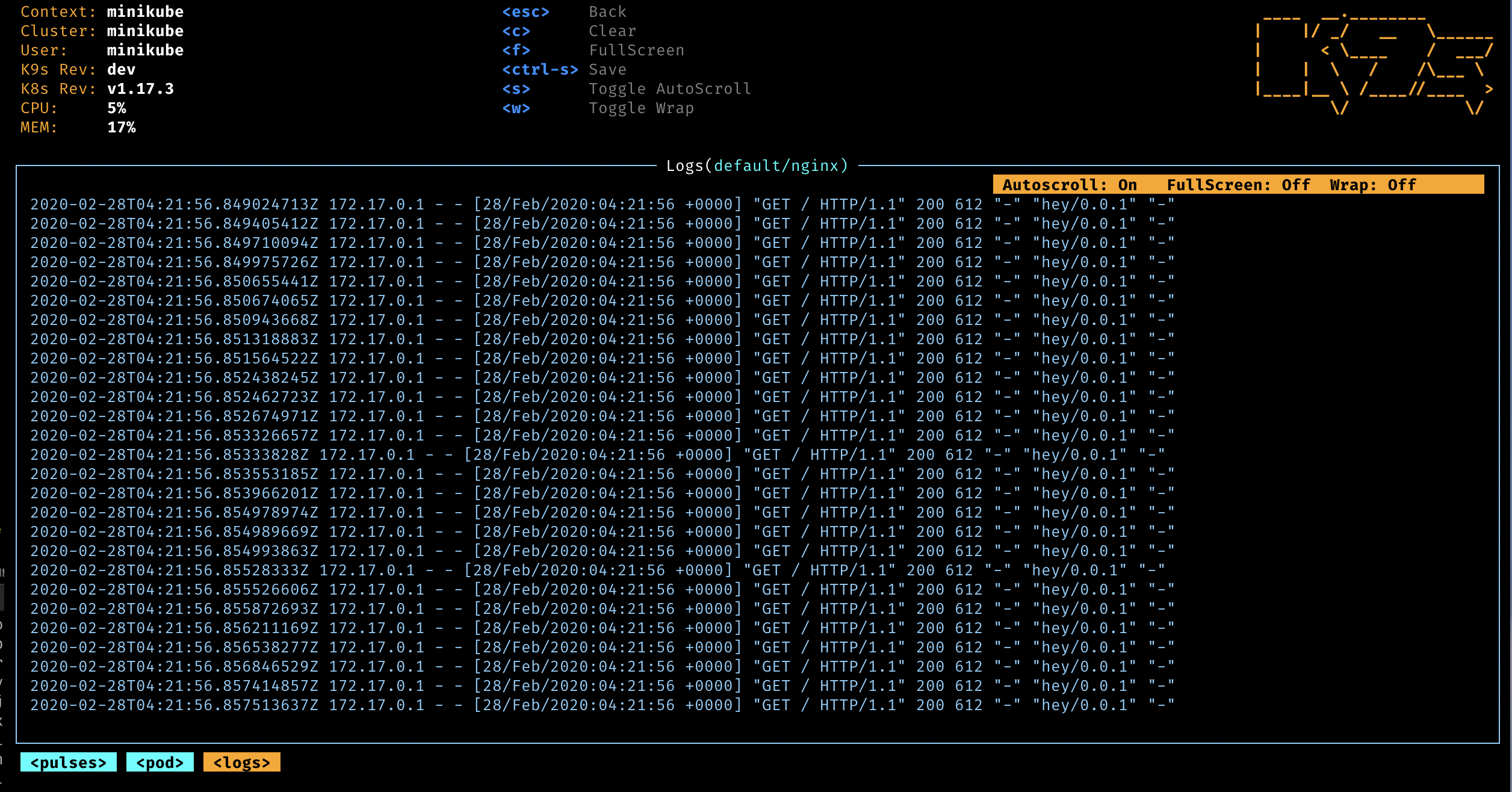
The tool replaces dozens of kubectl incantations with an interactive terminal dashboard. Pods, deployments, services, CRDs, RBAC bindings, even raw events stream into colour-coded tables that auto-refresh as the cluster changes. The current release at time of writing is v0.50.18, published .
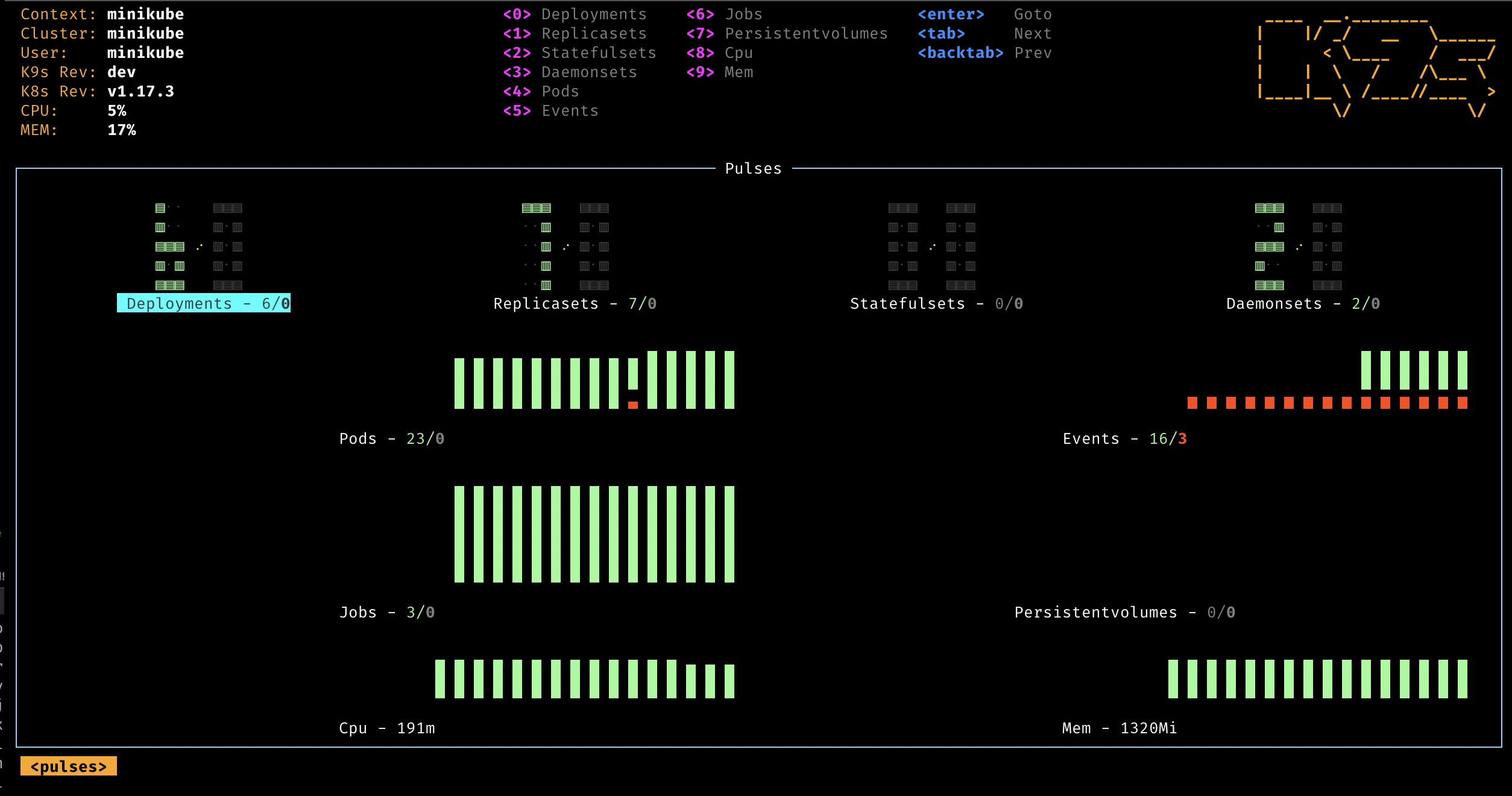
watch loops.~/.config/k9s/plugins.yaml and bind any external command (kubectl debug, stern, velero) to a key.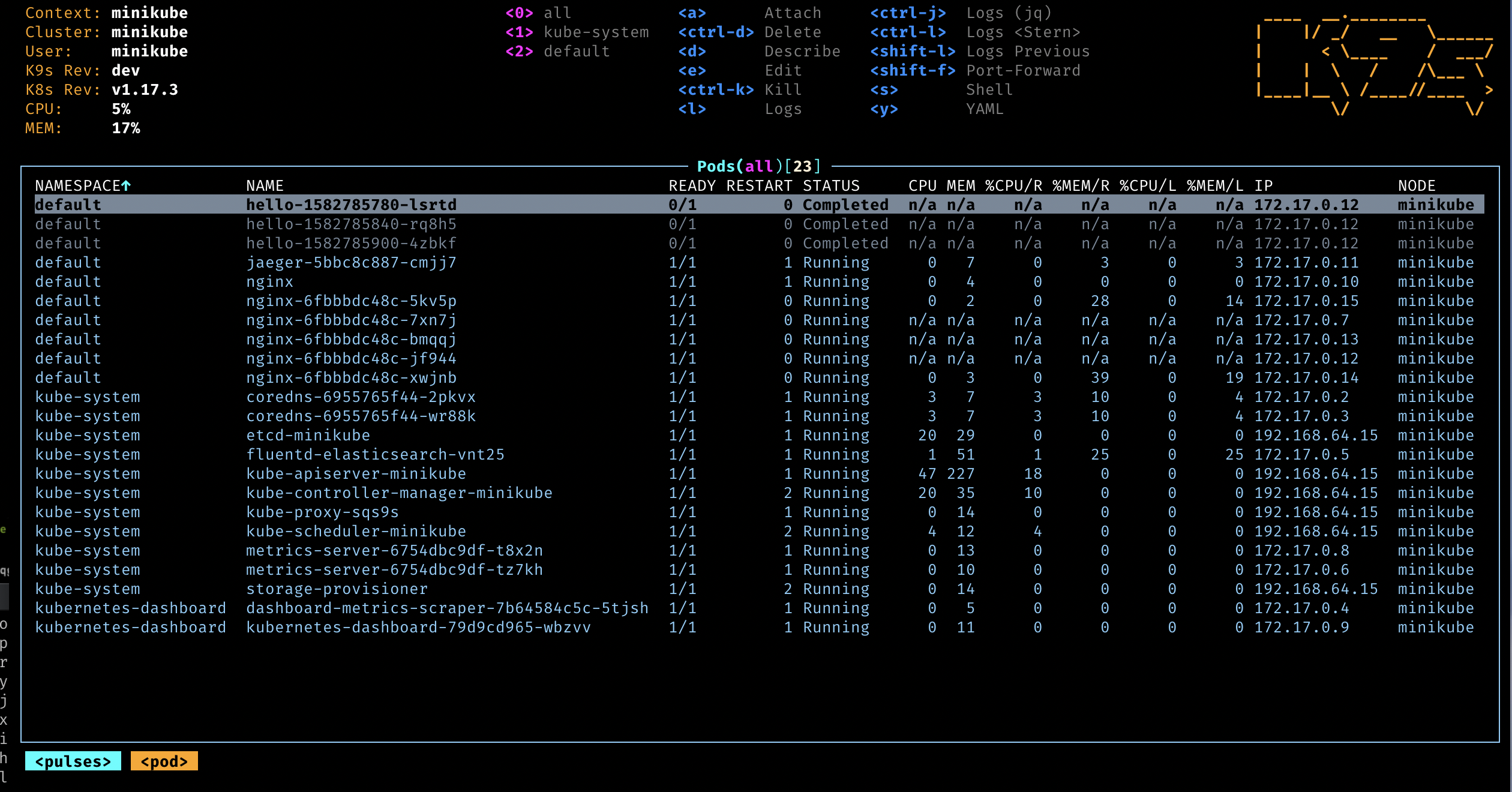
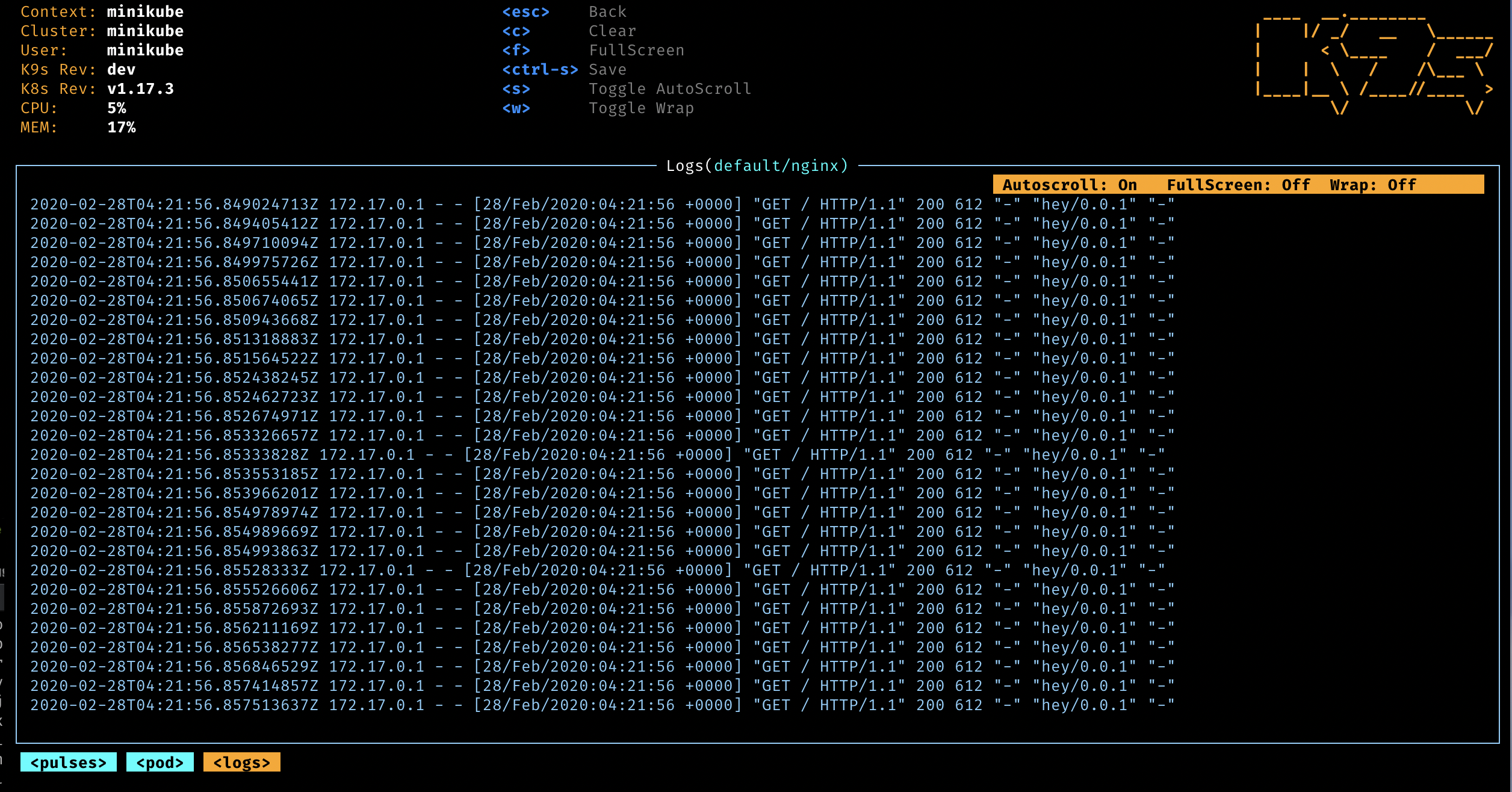
Sentiment in the SRE corner of the internet is overwhelmingly positive. Engineers on Hacker News and r/kubernetes consistently call k9s "the only kubectl wrapper that stuck", and the most upvoted Reddit threads cite the 10-keystroke rule: once you memorise about ten shortcuts you will move through a cluster faster than kubectl tab-completion. Common praise centres on the speed (single Go binary, no Electron), the colour-coded log viewer, and the RBAC reverse-lookup — a feature most GUI alternatives still do not ship.
The recurring complaints are also consistent: editing manifests inside k9s opens $EDITOR on a temporary file, which some prefer to avoid in favour of GitOps; sponsorship has been declining, leading to community concern about long-term maintenance velocity; and on very large clusters (thousands of pods) the initial namespace fetch can stall for a few seconds. None of these are dealbreakers, but they are honest paper cuts.
k9s is free and open source under the Apache-2.0 license. There are no paid tiers, no telemetry, and no SaaS upsell. The maintainer accepts contributions through GitHub Sponsors but every feature ships in the public binary.
| Plan | Price | Includes |
|---|---|---|
| Open Source | $0 | All features, all platforms, no usage limits |
| GitHub Sponsors | From $5/month (optional) | Supports the maintainer; no extra software features |
Best for: Platform engineers, SREs, and back-end developers who already live in kubectl, on-call rotations that need to triage incidents fast, and anyone running multiple clusters across local kind/minikube and managed providers like EKS, GKE, or AKS.
Not ideal for: Read-only stakeholders who prefer point-and-click GUIs, large enterprise teams that need RBAC-aware multi-cluster catalogs and collaborative dashboards (Lens or Headlamp fit that workflow better), or organisations where every change must go through GitOps and a terminal write path is discouraged.
Pros:
brew install k9s in under 10 seconds.stern or kubectl-neat.Cons:
$EDITOR; users who want diff-aware UI editing will prefer Lens.:ctx, you do not see two clusters at once.The closest comparable products are Lens Desktop (Electron GUI, multi-cluster catalog, paid Pro tier), Headlamp (open-source web/desktop dashboard from the CNCF ecosystem), and the official Kubernetes Dashboard (web UI, install per-cluster). Lens wins on visual polish and team features; Headlamp wins on extensibility and is fully open; Kubernetes Dashboard wins on zero installation if you already have kubectl proxy. None match k9s on raw incident-response speed in a terminal.
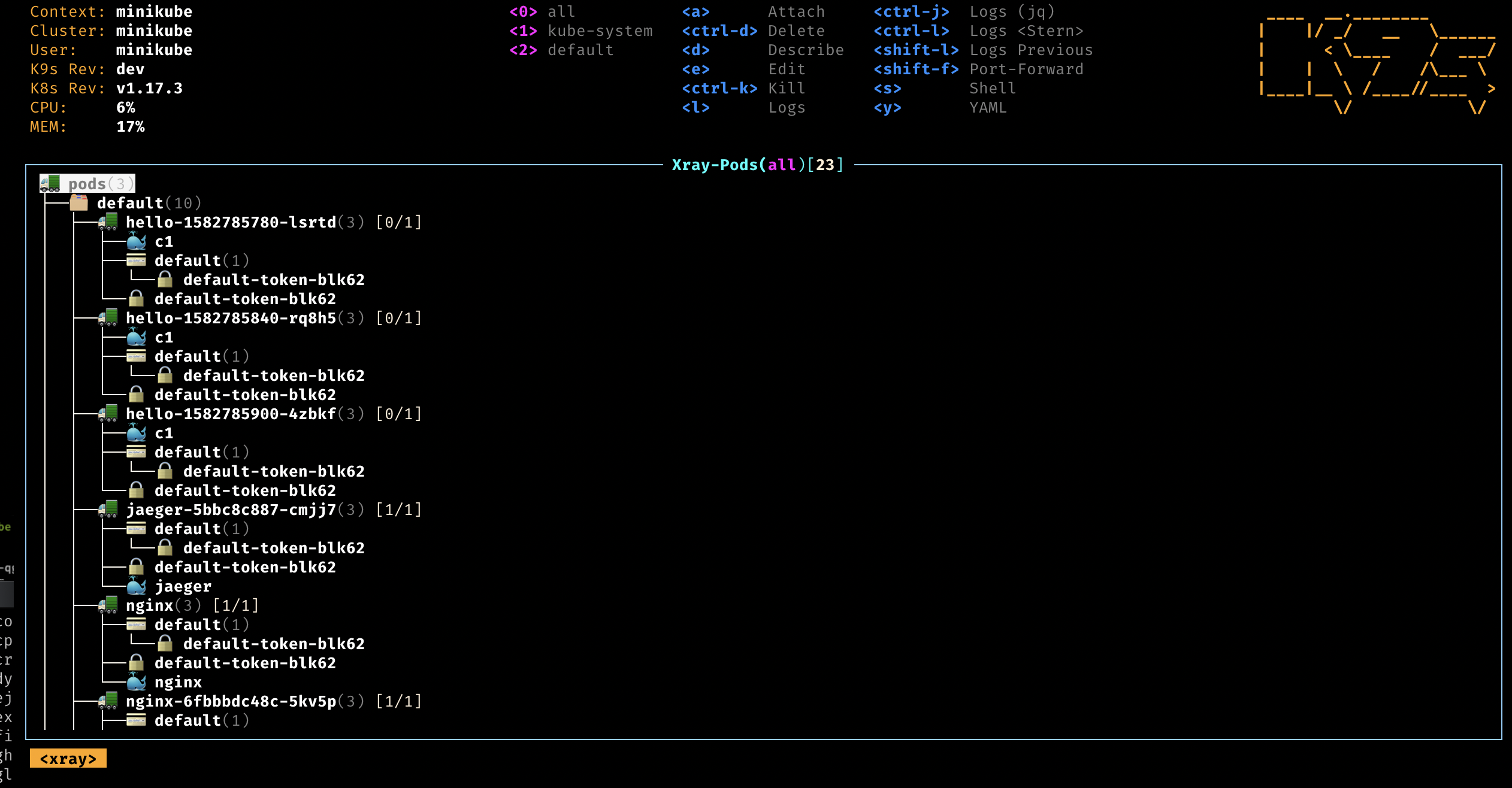
For anyone who runs a Kubernetes cluster in production — or even just a serious homelab — k9s is essentially free productivity. We rate it 92/100. It loses points only for the single-maintainer risk and the absence of a true multi-cluster pane. Install it tonight, learn five shortcuts (:pods, l, d, s, Ctrl-D), and the next on-call rotation will feel measurably less painful.
~/.kube/config file, so any cluster reachable through kubectl — including managed services like Amazon EKS, Google GKE, Azure AKS, DigitalOcean Kubernetes, and local kind/minikube/k3d — works out of the box.Developer ToolsType-safe HTML templating language for Go with compile-time safety
 Developer Tools
Open-source API key management and rate limiting platform for modern developers
 Developer Tools
Open-source low-code platform for building internal business applications
 Developer Tools
Git-friendly open-source API client for REST, GraphQL, and gRPC
ServiceNow and Accenture Launch Forward Deployed Engineering Program to Scale Agentic AI in the Enterprise (May 6, 2026)
At Knowledge 2026, ServiceNow and Accenture announced a joint forward deployed engineering program that drops co-located engineer pods into customer environments to ship agentic AI workflows natively on the ServiceNow AI Platform — with access to 300+ pre-built agent skills and the AI Control Tower as the governance backbone.
May 7, 2026
ReFiBuy Raises $13.6M Seed to Help Brands Get Recommended by AI Shopping Agents (May 5, 2026)
ReFiBuy, the Raleigh-based agentic commerce platform from ChannelAdvisor founder Scot Wingo, closed an oversubscribed $13.6M seed led by NewRoad Capital Partners on May 5, 2026 — betting that the next billion-dollar e-commerce moat is being chosen by ChatGPT, Claude and Perplexity.
May 7, 2026
OpenAI Replaces ChatGPT's Default Model With GPT-5.5 Instant — 52.5% Fewer Hallucinations, 30% Shorter Answers (May 5, 2026)
OpenAI on May 5 swapped GPT-5.3 Instant for the new GPT-5.5 Instant as ChatGPT's default model, claiming 52.5% fewer hallucinated claims on high-stakes prompts and 30% more concise answers. The model also rolls into the API as chat-latest and adds personalization from Gmail and past chats for Plus and Pro web users.
May 7, 2026
Is this product worth it?
Built With
Compare with other tools
Open Comparison Tool →