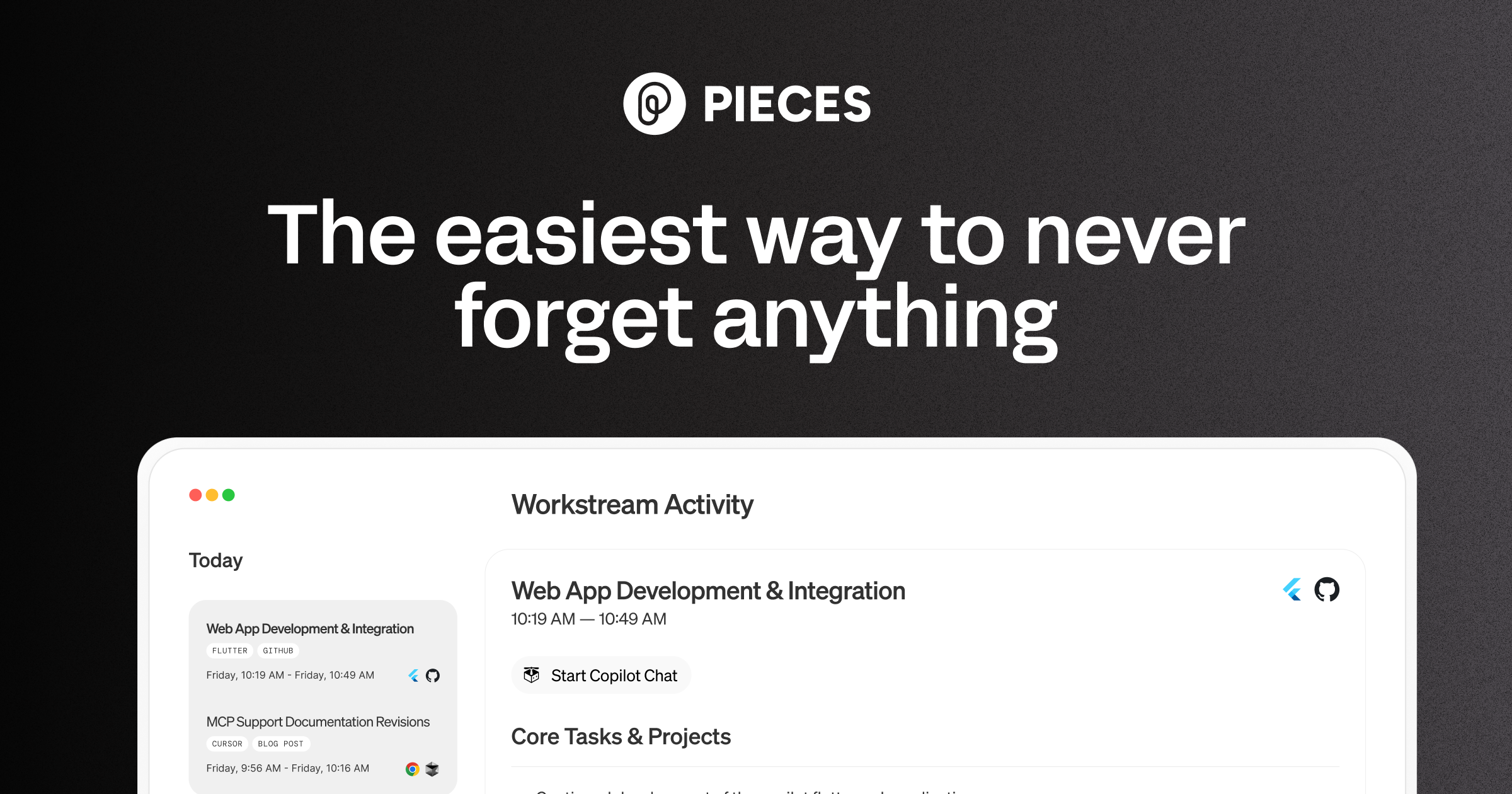
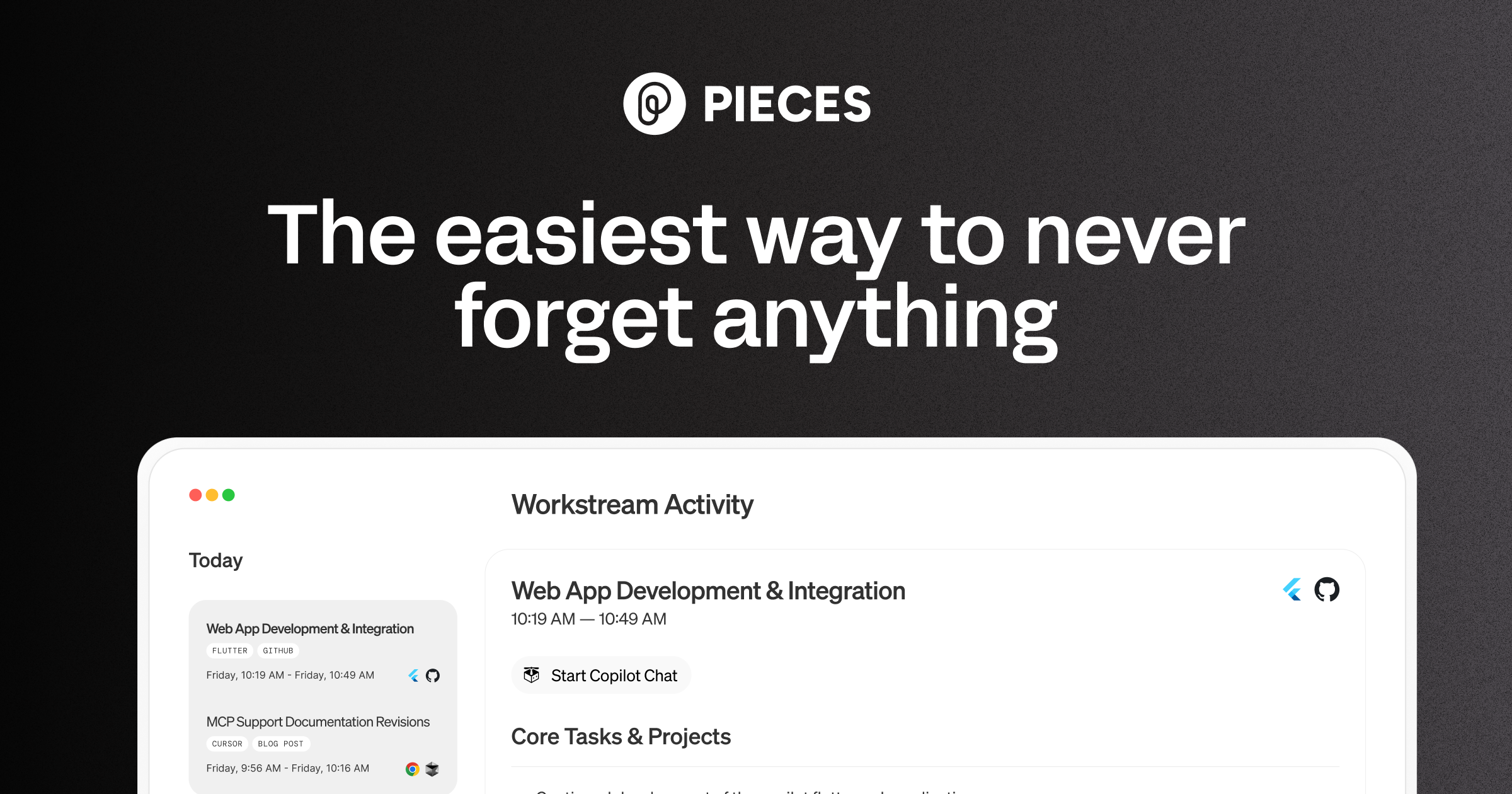
Pieces for Developers is our pick for the best local-first code memory system for developers who juggle multiple projects and need to recall solutions instantly. We rate it 82/100 — a strong choice for solo developers and small teams seeking intelligent snippet management without cloud dependency.
What is Pieces?
Pieces, launched in , is an AI-powered code snippet manager and workspace memory system designed to capture live context from your entire development workflow. Built with privacy-first principles, Pieces runs locally on your machine and processes all code and context data locally—never sending raw code to external servers. The system automatically captures snippets from browsers, IDEs (VS Code, JetBrains, Visual Studio), Slack, Discord, and other collaboration tools.
With a focus on long-term memory (LTM-2 engine), Pieces intelligently tags snippets with metadata, context, and relationships, making them searchable and retrievable weeks or months later. It supports multiple LLMs including Claude, GPT-4, Llama, and others, letting developers choose their preferred model for context-aware suggestions.
Key Features
- Automatic Context Capture: Captures code snippets from IDE editors, browsers, Slack messages, and collaboration tools without manual copying
- Local Processing: All data remains on your machine—no code uploaded to the cloud unless explicitly saved to cloud storage
- Intelligent Retrieval: LTM-2 engine understands context and relationships, surfacing relevant snippets when you need them
- Multi-Model Support: Works with Claude, GPT-4, Llama, Gemini, and other LLMs for context-aware suggestions
- IDE Integration: Native plugins for VS Code, JetBrains (IntelliJ, PyCharm, etc.), and Visual Studio
- Browser Extension: Capture snippets from GitHub, Stack Overflow, documentation sites, and any web content
- Collaboration: Share curated snippet collections with team members while maintaining privacy controls
- Metadata & Tagging: Automatic extraction of language, frameworks, dependencies, and usage patterns
- Search & Filtering: Natural language search plus advanced filtering by language, framework, project, and tags
User Sentiment
Developers on Reddit and Product Hunt consistently praise Pieces for its frictionless capture and search experience. One user noted: "Finally, a snippet manager that understands context. I haven't lost a useful code pattern since switching." Others highlight the privacy-first architecture: "Love that my proprietary code stays local. No more worrying about what's being sent to external servers."
On G2, Pieces scores 4.6/5 with reviewers emphasizing the IDE integration quality and local-first approach as game-changers. Common praise points include quick capture workflows, accurate context detection, and smart search. Minor complaints center around the initial learning curve for advanced features and occasional indexing delays on very large codebases.
Pricing
| Plan | Price | Key Features |
| Free | $0/month | Local snippet capture, IDE integration, 50 snippets max, basic search, browser extension |
| Pro | $34/month | Unlimited snippets, team collaboration, cloud backup, advanced search, LLM model selection, priority support |
Pieces offers a generous free tier that covers personal development workflows, with the Pro plan unlocking team features and unlimited storage. Annual plans provide ~30% discount.
Who Should Use It?
Pieces is ideal for:
- Solo Developers: Managing a personal knowledge base of patterns, utilities, and solutions
- Contractors & Freelancers: Reusing proven snippets across client projects while protecting IP
- Open Source Contributors: Organizing patterns from multiple projects and maintaining a searchable library
- Educators: Curating code examples and teaching patterns for students
- Small Teams: Sharing vetted solutions and maintaining consistent coding patterns (Pro tier)
Pros & Cons
Pros:
- Privacy-first local processing with optional cloud sync
- Seamless IDE and browser integration—capture without switching windows
- Context-aware retrieval using advanced AI
- Supports multiple LLMs for flexibility
- Automatic metadata extraction and categorization
- Clean, fast desktop app performance
Cons:
- Free tier capped at 50 snippets—limiting for active developers
- Pro pricing ($34/month) is on the higher end for a snippet manager
- Learning curve for advanced search operators and context features
- Mobile app is limited compared to desktop experience
- Occasional sync delays when indexing large codebases
Alternatives
- Raycast Snippets: Free snippet manager integrated into Raycast launcher—simpler but less context-aware
- Tldr.sh / Lepton: AI code snippet search and management—lighter weight but fewer integrations
- GitHub Gists + Copilot: Free approach using GitHub's platform with Copilot for context
Verdict
Pieces for Developers successfully solves a real pain point: recalling the right solution at the right time. Its privacy-first architecture and intelligent retrieval make it stand out in a crowded space. For developers managing complex knowledge bases across multiple projects, the $34/month Pro plan pays for itself in recovered productivity. The free tier is useful for casual users, but the 50-snippet cap feels restrictive. If you value privacy, IDE integration, and AI-powered search, Pieces is worth the investment.
FAQ
- Is my code really private with Pieces?
- Yes. By default, Pieces processes all code locally on your machine. Cloud sync is optional and encrypts data in transit and at rest. Pieces never trains on your code.
- Can I use Pieces on multiple machines?
- Yes. Pro users can sync their library across devices. Sync is encrypted end-to-end.
- Does Pieces work with all IDEs?
- Pieces has native plugins for VS Code, JetBrains IDEs, and Visual Studio. Community plugins exist for others.
- Can I export my snippets?
- Yes. Pieces supports exporting to JSON, CSV, and other formats for data portability.