 Developer Tools
Templ
Type-safe HTML templating language for Go with compile-time safety
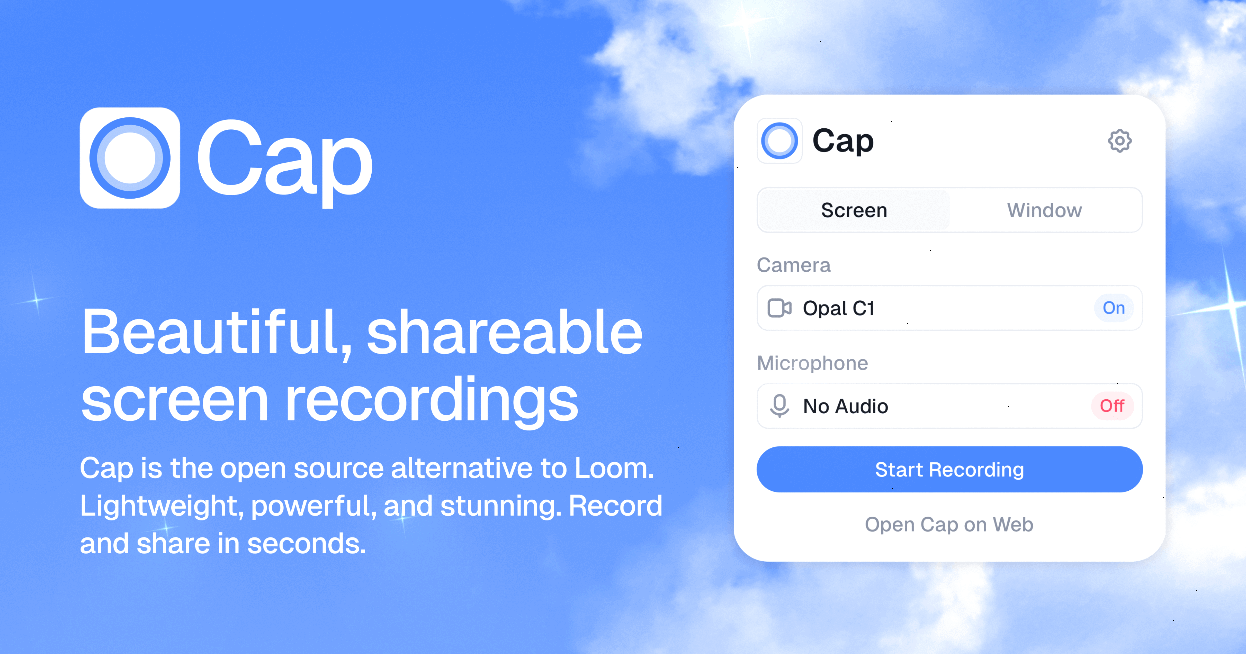
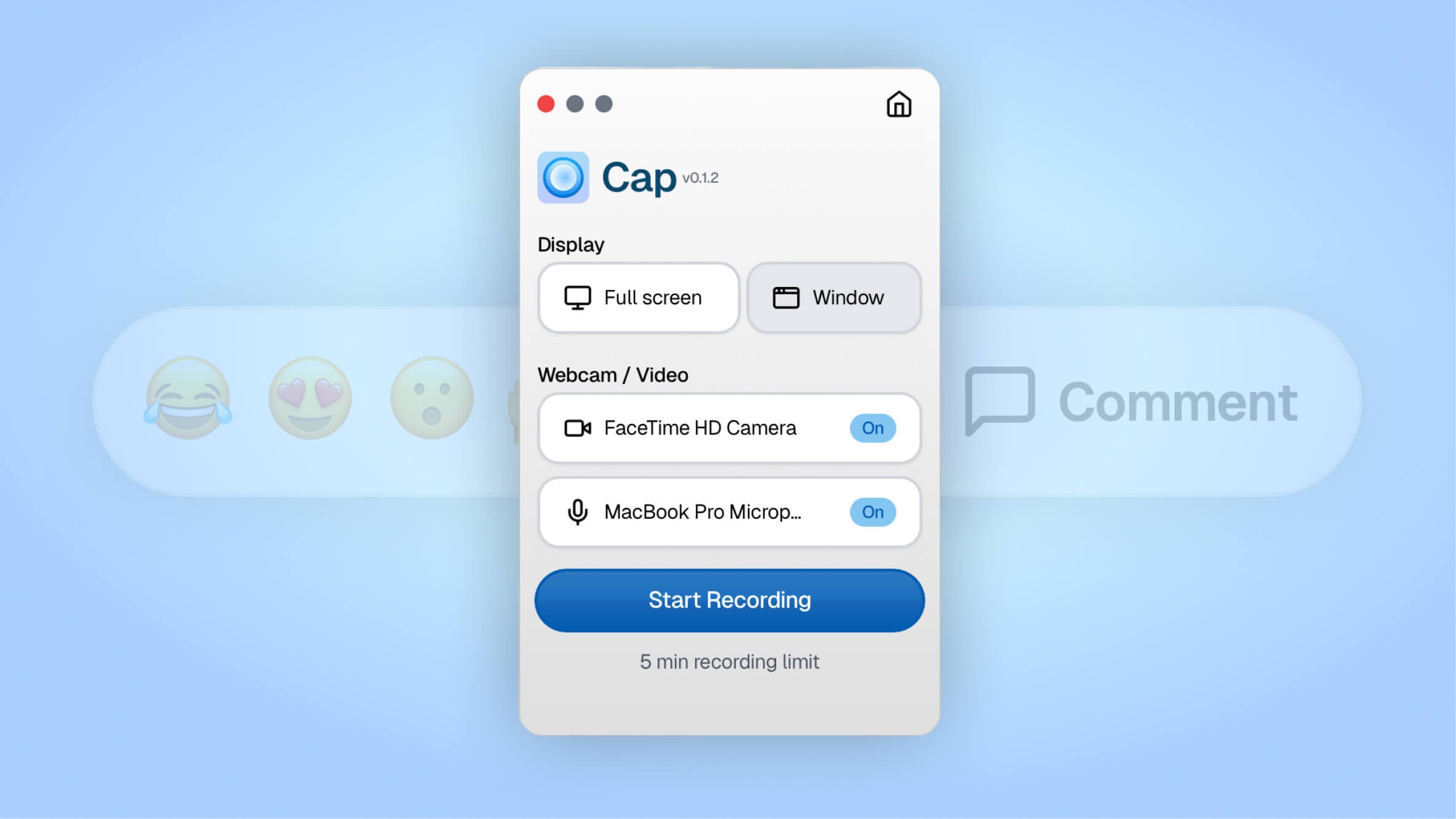
Cap is an open-source screen recorder for macOS and Windows that pairs an instant Loom-style share flow with a polished editor — all backed by an AGPL codebase and a $200 lifetime option that quietly undercuts every commercial alternative.
Cap is an open source screen recorder built as a serious alternative to Loom — and after testing it across macOS and Windows, we'd argue it's the best free option in 2026 for anyone who cares about owning their videos. We rate it 86/100 — excellent for indie hackers, developers, and small teams who want a polished recording experience without recurring per-seat fees.
Cap is a cross-platform screen recording app developed by Cap Software, Inc. and led by founder Richie McIlroy. The project went public on GitHub on and shipped its public beta on . Today it has over 18,400 stars on GitHub, an active release cadence (the latest desktop build is v0.4.84, shipped on ), and an AGPL-3.0 license that lets you self-host the entire stack — desktop app, web dashboard, and share links — if you want to.
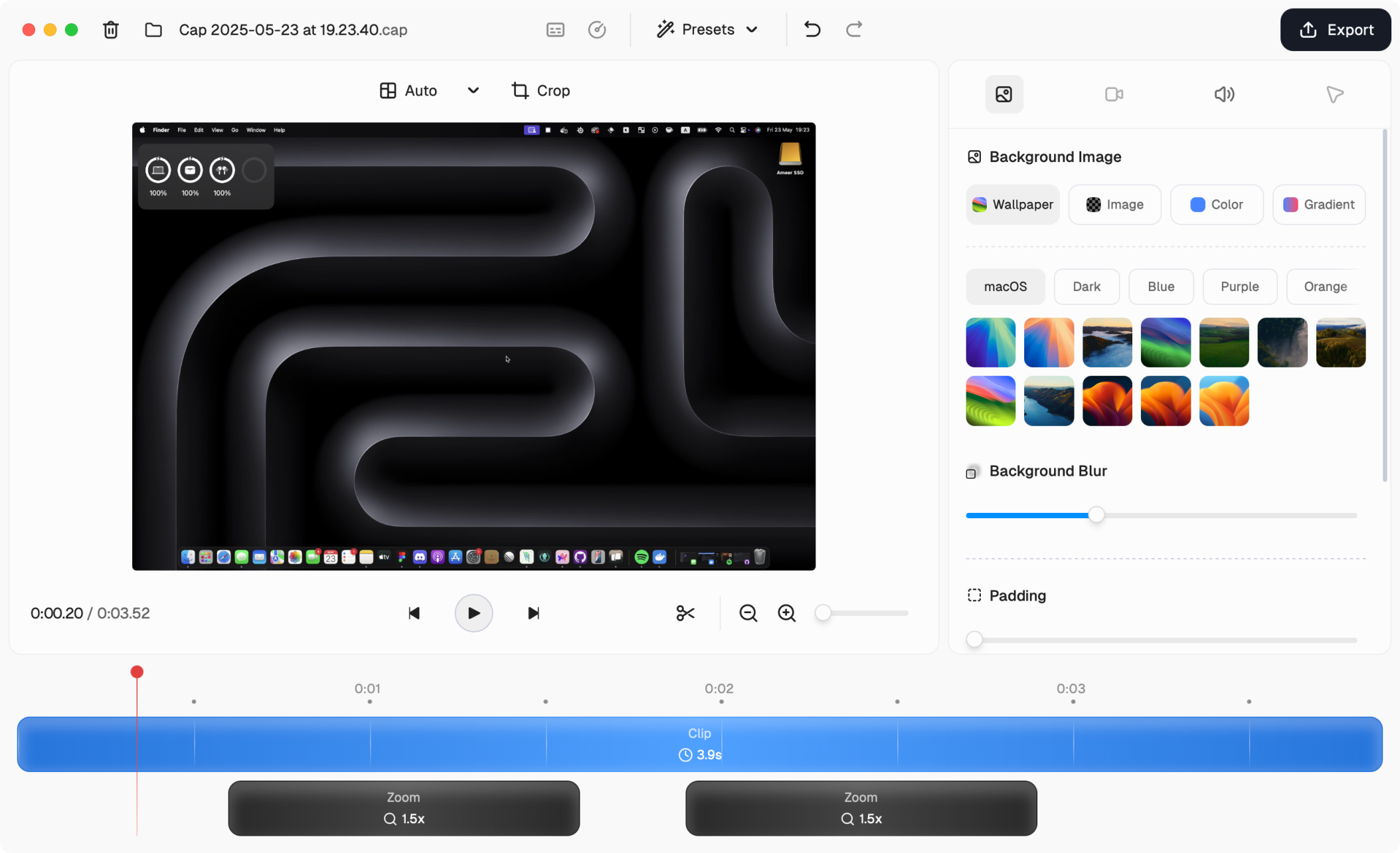
The pitch is simple: Loom is convenient but locks your videos behind a SaaS account, charges per seat, and watermarks free recordings after 5 minutes. Cap flips every one of those constraints. Recordings are unlimited and unwatermarked on the free plan, the editor is bundled into the same app instead of being a paid upsell, and Pro users can host shareable links on their own custom domain.
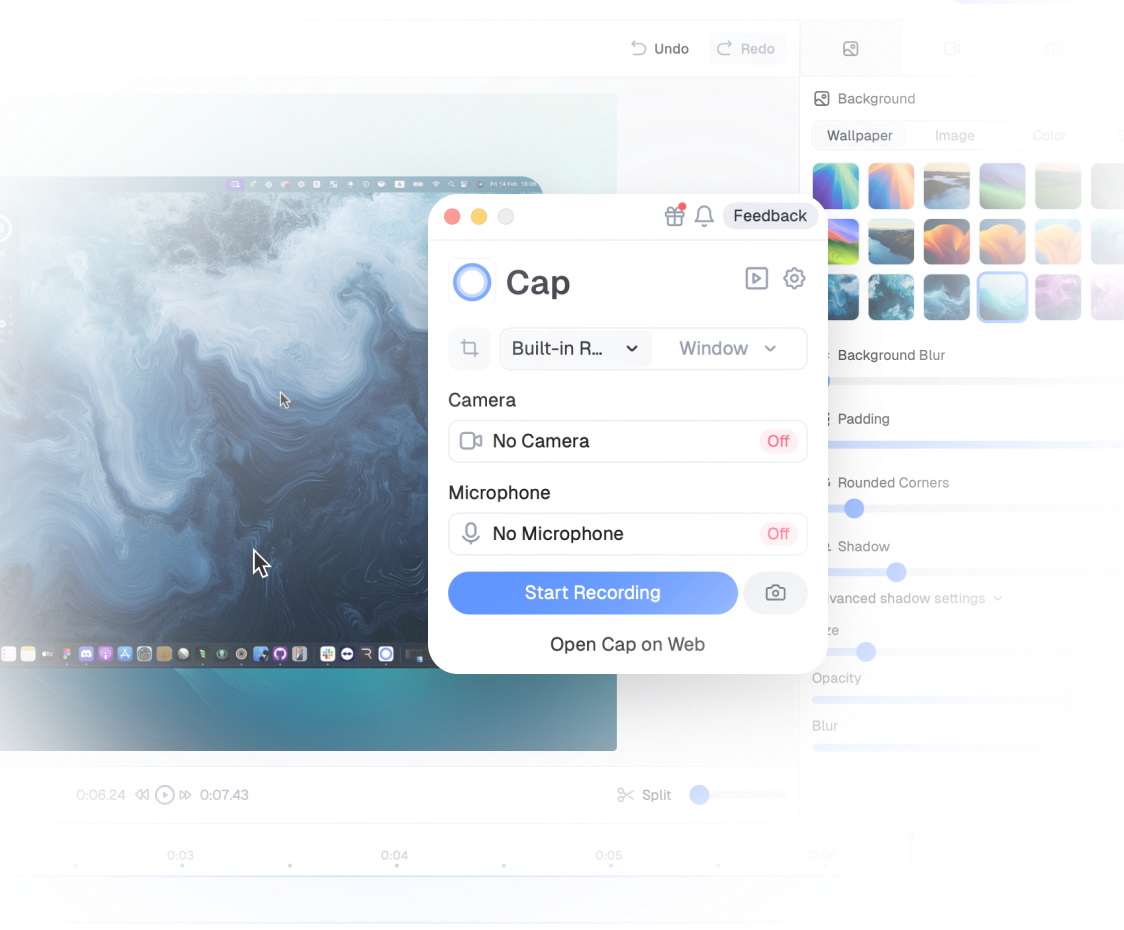
cap.yourcompany.com) at Cap's web dashboard, so shared videos never live on a third-party SaaS URL.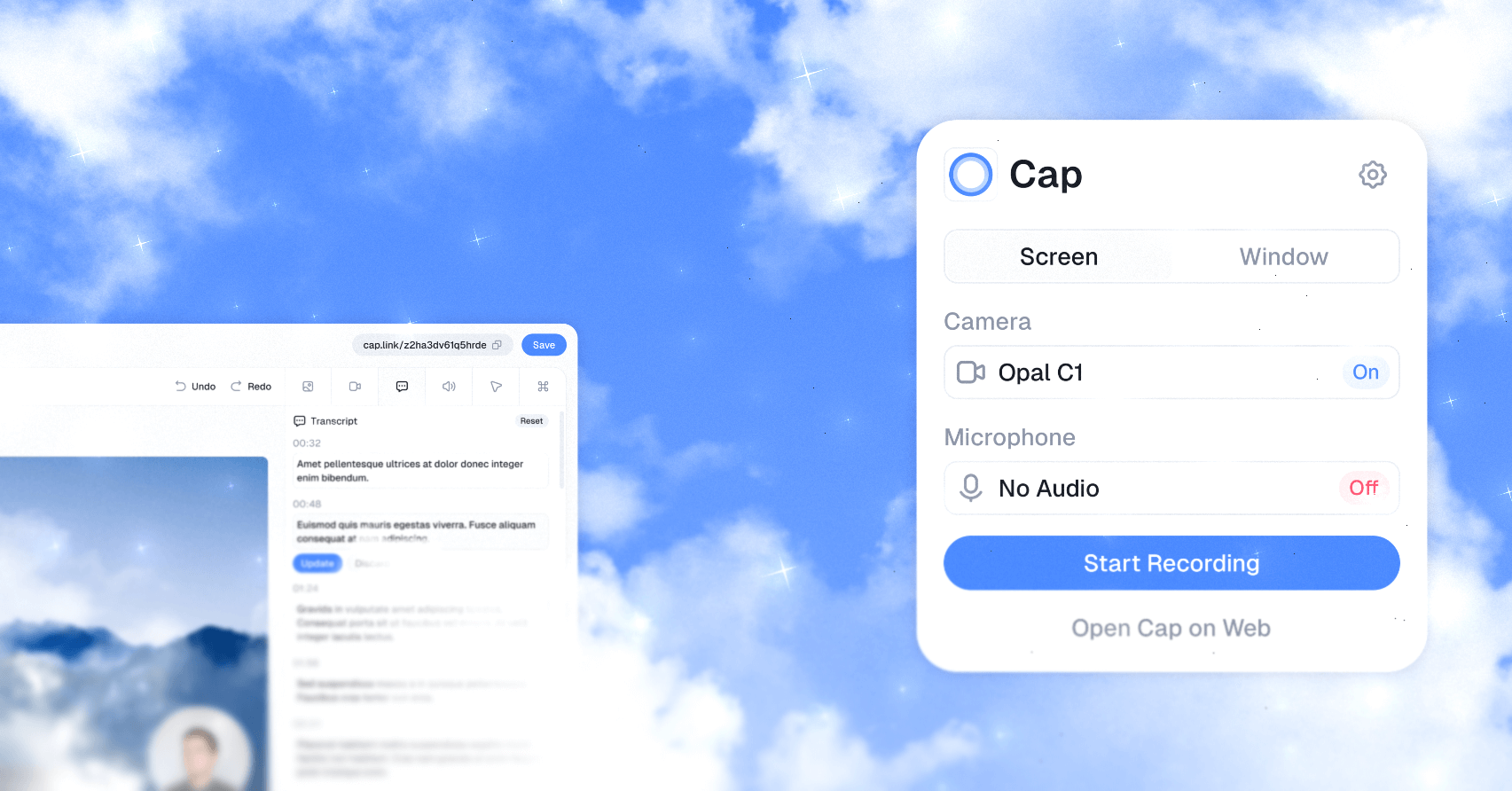
Sentiment across Hacker News, Reddit, and Product Hunt is consistently positive but not uncritical. On Hacker News, threads about Cap routinely surface comments praising the Tauri-based build size and the fact that it's "actually open source, not source-available." On Reddit's r/macapps, the recurring praise is for the editor's auto-zoom feature, while the most upvoted complaint is that Windows parity lagged macOS for most of 2024–2025 (the team has since closed the gap, and Windows now has system-audio capture without the Stereo Mix workaround). Vercel CEO Guillermo Rauch and Dub.co founder Steven Tey both publicly endorse the product on the cap.so testimonial wall — meaningful signal from a community that has access to every paid alternative. The most honest negative we found: Cap is still a young product and a small subset of users on r/screenrecording report occasional crashes when toggling between external displays mid-recording.
| Plan | Price | What's Included |
|---|---|---|
| Free | $0 | Unlimited recording, local files, basic editor, 5-minute cloud share cap |
| Cap Pro | $8.16/month (billed annually) or $9/month | Unlimited cloud sharing, custom domain, password-protected links, analytics, advanced editor |
| Lifetime | $200 one-time | All Cap Pro features, forever, one user |
| Commercial / Team | From $58/seat/year | Team workspaces, SSO add-on, priority support |
The lifetime tier is the standout: a single $200 payment effectively replaces $192/year of Loom Business or $229 of Screen Studio, and the AGPL self-host route makes even the free tier viable for teams comfortable running a Next.js app.
Best for: Indie developers, founders, technical content creators, and small product teams who already record async video walkthroughs. It's a particularly strong fit for anyone who already self-hosts other tools (Plausible, Umami, Mautic) and wants a video layer that fits the same philosophy.
Not ideal for: Large enterprises that need SOC 2 + HIPAA out of the box and Salesforce-style admin tooling — Loom Enterprise still wins there. Also not ideal for users who only need a 30-second screencast a week; in that case, the free tier of Loom or even macOS's built-in Cmd+Shift+5 is enough.
Pros:
Cons:
Loom remains the polished, batteries-included default — pick it if your team is already paying for Atlassian and you want zero setup. Screen Studio has the most polished editor on macOS but is paid-only, macOS-only, and not open source. Tella is the closest in vibes to Cap's editor but is fully cloud-based.
Yes — and increasingly so as the product matures. For solo developers and small teams who care about owning their data and avoiding per-seat SaaS spend, Cap is the most credible Loom alternative on the market in 2026. The free tier is generous enough to serve as a daily driver, the $200 lifetime tier is a no-brainer for anyone who records more than once a month, and the AGPL license means the project will outlive any acquisition or pricing change. Our 86/100 reflects that it's already excellent, but with two notable gaps to close — a shipped Linux build and a mobile app — before it can claim a higher score.
ServiceNow and Accenture Launch Forward Deployed Engineering Program to Scale Agentic AI in the Enterprise (May 6, 2026)
At Knowledge 2026, ServiceNow and Accenture announced a joint forward deployed engineering program that drops co-located engineer pods into customer environments to ship agentic AI workflows natively on the ServiceNow AI Platform — with access to 300+ pre-built agent skills and the AI Control Tower as the governance backbone.
May 7, 2026
ReFiBuy Raises $13.6M Seed to Help Brands Get Recommended by AI Shopping Agents (May 5, 2026)
ReFiBuy, the Raleigh-based agentic commerce platform from ChannelAdvisor founder Scot Wingo, closed an oversubscribed $13.6M seed led by NewRoad Capital Partners on May 5, 2026 — betting that the next billion-dollar e-commerce moat is being chosen by ChatGPT, Claude and Perplexity.
May 7, 2026
OpenAI Replaces ChatGPT's Default Model With GPT-5.5 Instant — 52.5% Fewer Hallucinations, 30% Shorter Answers (May 5, 2026)
OpenAI on May 5 swapped GPT-5.3 Instant for the new GPT-5.5 Instant as ChatGPT's default model, claiming 52.5% fewer hallucinated claims on high-stakes prompts and 30% more concise answers. The model also rolls into the API as chat-latest and adds personalization from Gmail and past chats for Plus and Pro web users.
May 7, 2026
Is this product worth it?
Built With
Compare with other tools
Open Comparison Tool →