 Productivity
Raycast
Powerful macOS launcher and productivity platform — 7.3K GitHub stars for extensions
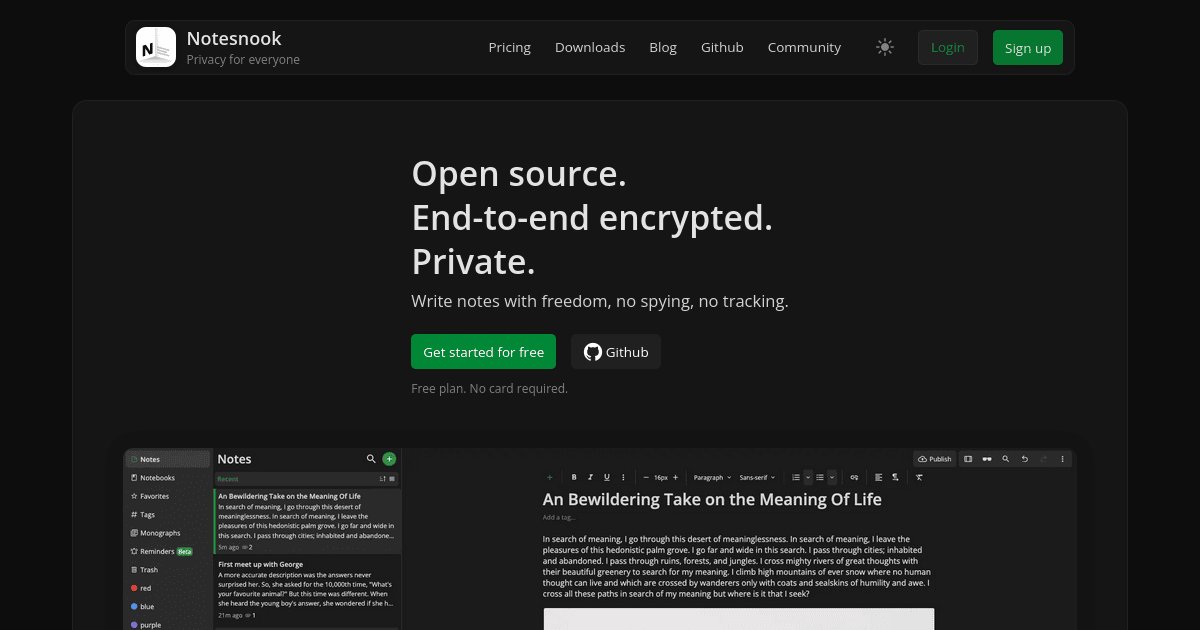
Notesnook is a fully open-source, end-to-end encrypted notes app with native clients on every major platform. The free tier is real, and zero-knowledge encryption is on by default.
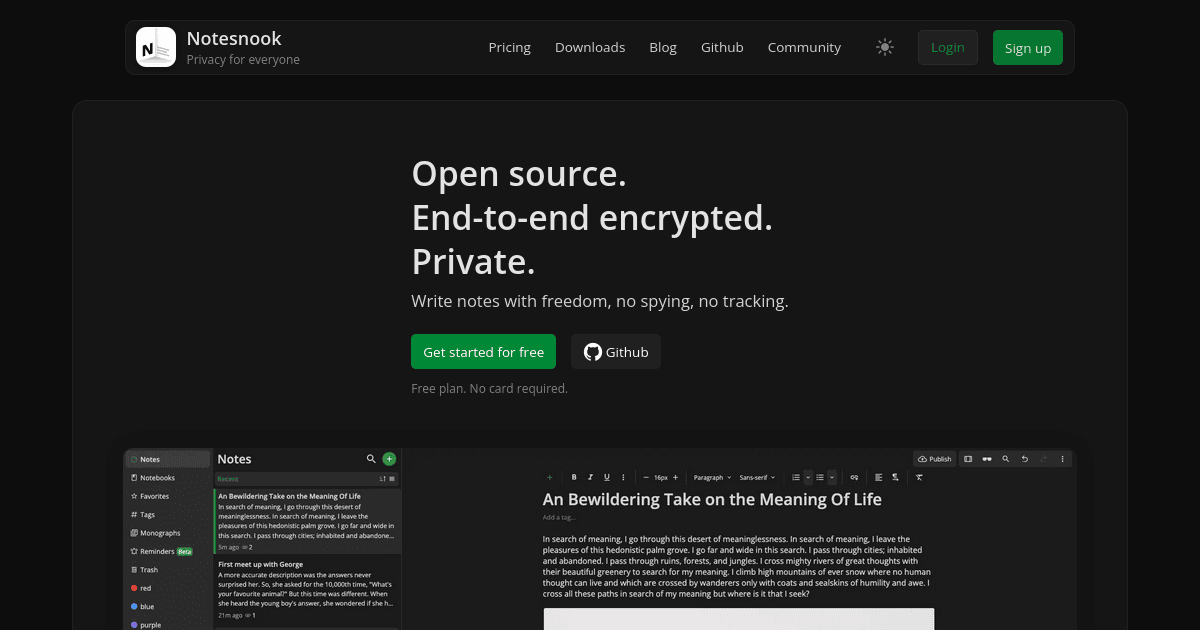
Notesnook is a fully open-source, end-to-end encrypted note-taking app that pitches itself as an Evernote alternative for people who care about privacy. We rate it 86/100 — it is the most polished privacy-first notes app we've tested, and the right pick for anyone who wants real zero-knowledge encryption without giving up cross-device sync.
Notesnook is a private notes app built by Streetwriters (Private) Ltd. The first commit landed on GitHub on , and the team open-sourced the entire stack — clients and the sync server — under GPL-3.0 on . The repository at streetwriters/notesnook currently sits at 13,975 stars and 944 forks, and the company says it has crossed 200,000 users worldwide.
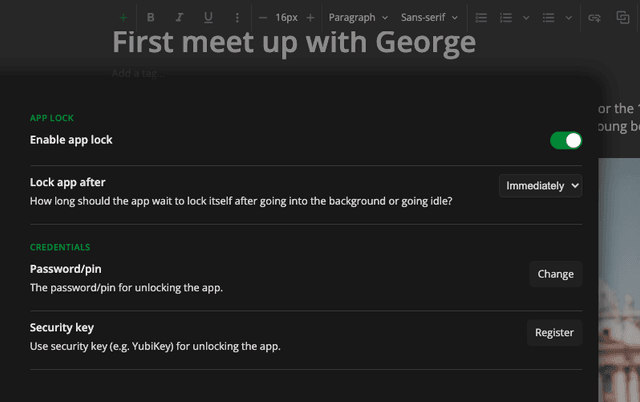
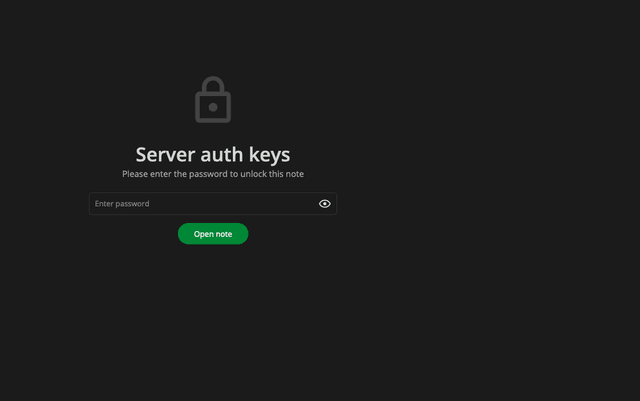
Where Evernote, Notion, and Google Keep all rely on you trusting their servers, Notesnook is built so that the server cannot read your notes even if it wanted to. Everything is encrypted on-device with XChaCha20-Poly1305 and an Argon2id key derivation step before sync, which is the same modern primitive used by Signal and 1Password. There is no "turn on encryption" toggle — it is the default, the only mode, and it covers titles, body, attachments, and tags.
Sentiment across r/Notesnook, Privacy Guides, and the AlternativeTo listing is unusually positive for a privacy app. The most upvoted threads on r/PrivacyGuides praise the editor and call it "the only private notes app that actually feels finished," and the Privacy Guides community formally added Notesnook to its recommended notes list after community vetting.
The recurring complaints are equally consistent: the free tier's 50MB/month attachment quota feels tight if you paste images, and a few Android users on the GitHub issue tracker reported feature drift between the desktop and mobile clients (numbered list options and toolbar customization landing on desktop first). Reviewers on the Apple App Store and Google Play average 4.6+ stars but flag that the "real" experience — full attachments, unlimited notebooks, and version history — only unlocks at the Pro tier.
Notesnook is freemium. There is a meaningful free tier, three paid tiers (Essential, Pro, Believer), and a 14-day money-back guarantee on every paid plan.
| Plan | Price | Storage / file size | Notebooks & tags |
|---|---|---|---|
| Free | $0 | 50MB/mo, 10MB files | 50 each, 100 versions |
| Essential | $1.99/mo or $19.99/yr | 1GB/mo, 100MB files | 500 each, 1,000 versions |
| Pro | $6.99/mo, $49.99/yr, or $299.99 / 5 years | 10GB/mo, 1GB files | Unlimited, unlimited versions |
| Believer | $8.99/mo, $89.99/yr, or $399.99 / 5 years | 25GB/mo, 5GB files | Unlimited, unlimited versions |
Education discounts are available, and the apps run on unlimited devices per account — you do not pay per seat or per platform.
Best for: journalists, lawyers, researchers, security-conscious developers, and anyone who currently keeps a "sensitive" folder in Notion or Apple Notes that probably shouldn't live there. Also a strong fit for self-hosters who want an Obsidian-style commitment to user data ownership but with real cloud sync.
Not ideal for: teams that need real-time collaborative editing — Notesnook is single-user-first and does not have multiplayer cursors. Heavy Notion power users who depend on databases, relations, and embedded apps will find Notesnook deliberately simpler.
Pros:
Cons:
Standard Notes is the closest philosophical peer — also encrypted and open source — but its free tier is text-only and the editor feels older. Joplin is a free, fully open-source alternative if you can self-host or BYO cloud, but the UX is rougher around the edges. Obsidian trades cloud sync for plain-text Markdown files on your machine, which is great for tinkerers but less seamless across mobile and desktop.
If you want a notes app where the company physically cannot read your notes — and you want it to feel like a 2020s product, not a 2010s one — Notesnook is the best answer on the market right now. The free tier is enough to evaluate it honestly, and the Essential plan at $19.99/year is one of the cheapest legitimate privacy upgrades you can buy. Skip it only if real-time collaboration or Notion-style databases are non-negotiable. We rate it 86/100.
ServiceNow and Accenture Launch Forward Deployed Engineering Program to Scale Agentic AI in the Enterprise (May 6, 2026)
At Knowledge 2026, ServiceNow and Accenture announced a joint forward deployed engineering program that drops co-located engineer pods into customer environments to ship agentic AI workflows natively on the ServiceNow AI Platform — with access to 300+ pre-built agent skills and the AI Control Tower as the governance backbone.
May 7, 2026
ReFiBuy Raises $13.6M Seed to Help Brands Get Recommended by AI Shopping Agents (May 5, 2026)
ReFiBuy, the Raleigh-based agentic commerce platform from ChannelAdvisor founder Scot Wingo, closed an oversubscribed $13.6M seed led by NewRoad Capital Partners on May 5, 2026 — betting that the next billion-dollar e-commerce moat is being chosen by ChatGPT, Claude and Perplexity.
May 7, 2026
OpenAI Replaces ChatGPT's Default Model With GPT-5.5 Instant — 52.5% Fewer Hallucinations, 30% Shorter Answers (May 5, 2026)
OpenAI on May 5 swapped GPT-5.3 Instant for the new GPT-5.5 Instant as ChatGPT's default model, claiming 52.5% fewer hallucinated claims on high-stakes prompts and 30% more concise answers. The model also rolls into the API as chat-latest and adds personalization from Gmail and past chats for Plus and Pro web users.
May 7, 2026
Is this product worth it?
Built With
Compare with other tools
Open Comparison Tool →