 AI Tools
Aider
AI pair programming in your terminal—free, open-source, any LLM
Pinokio is a free, MIT-licensed desktop launcher that turns the messy world of open-source AI tools into one-click installs. We rate it 78/100 — brilliant for tinkerers with a beefy GPU, rough at the edges everywhere else.
Pinokio is a free, open-source desktop "AI browser" that lets you install and run any open-source AI tool — Stable Diffusion, ComfyUI, Whisper, Ollama models, video generators, voice clones — with a single click. We rate it 78/100. It's the easiest on-ramp to local AI we've tested, but only if you have the hardware to back it up.
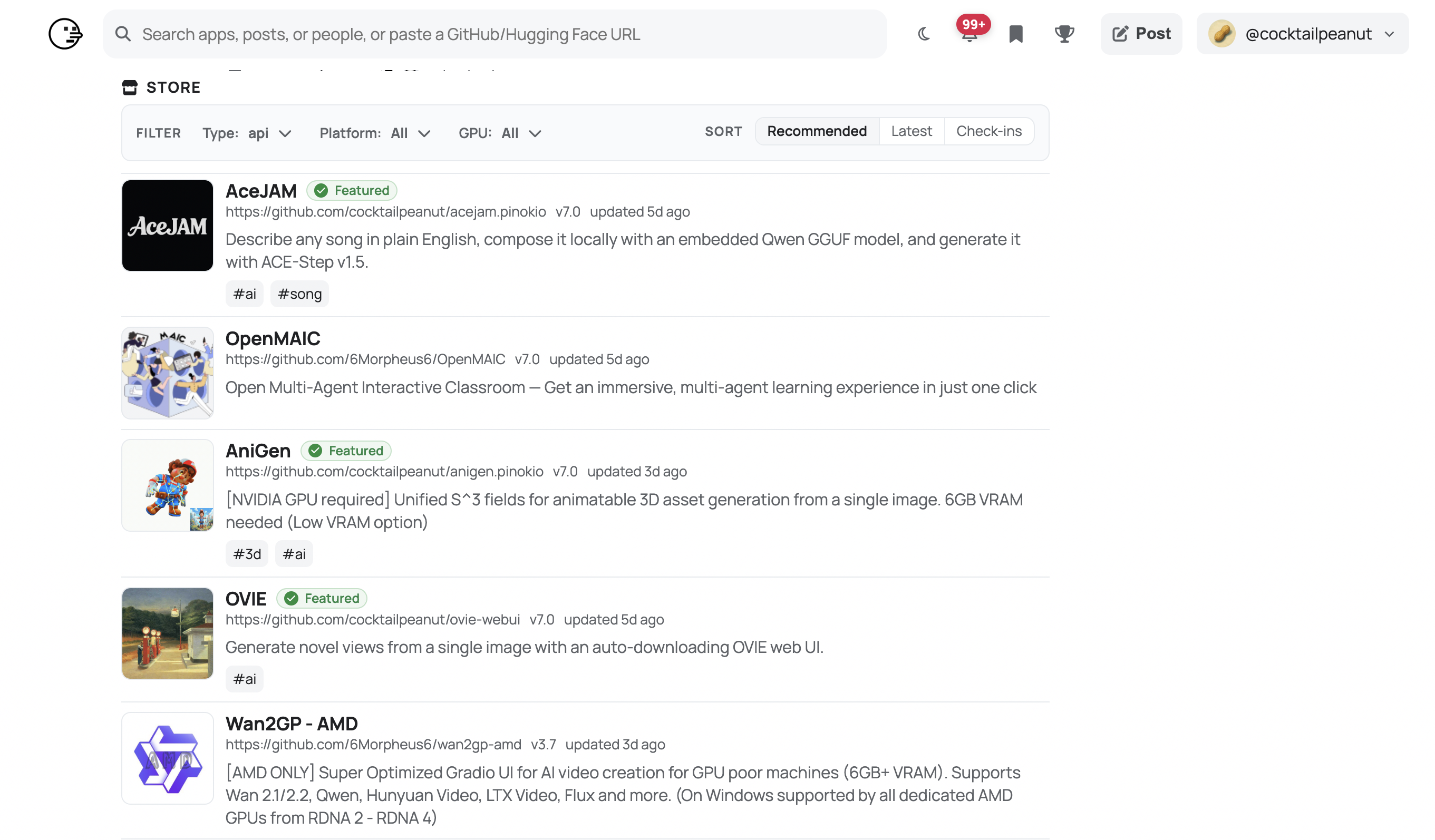
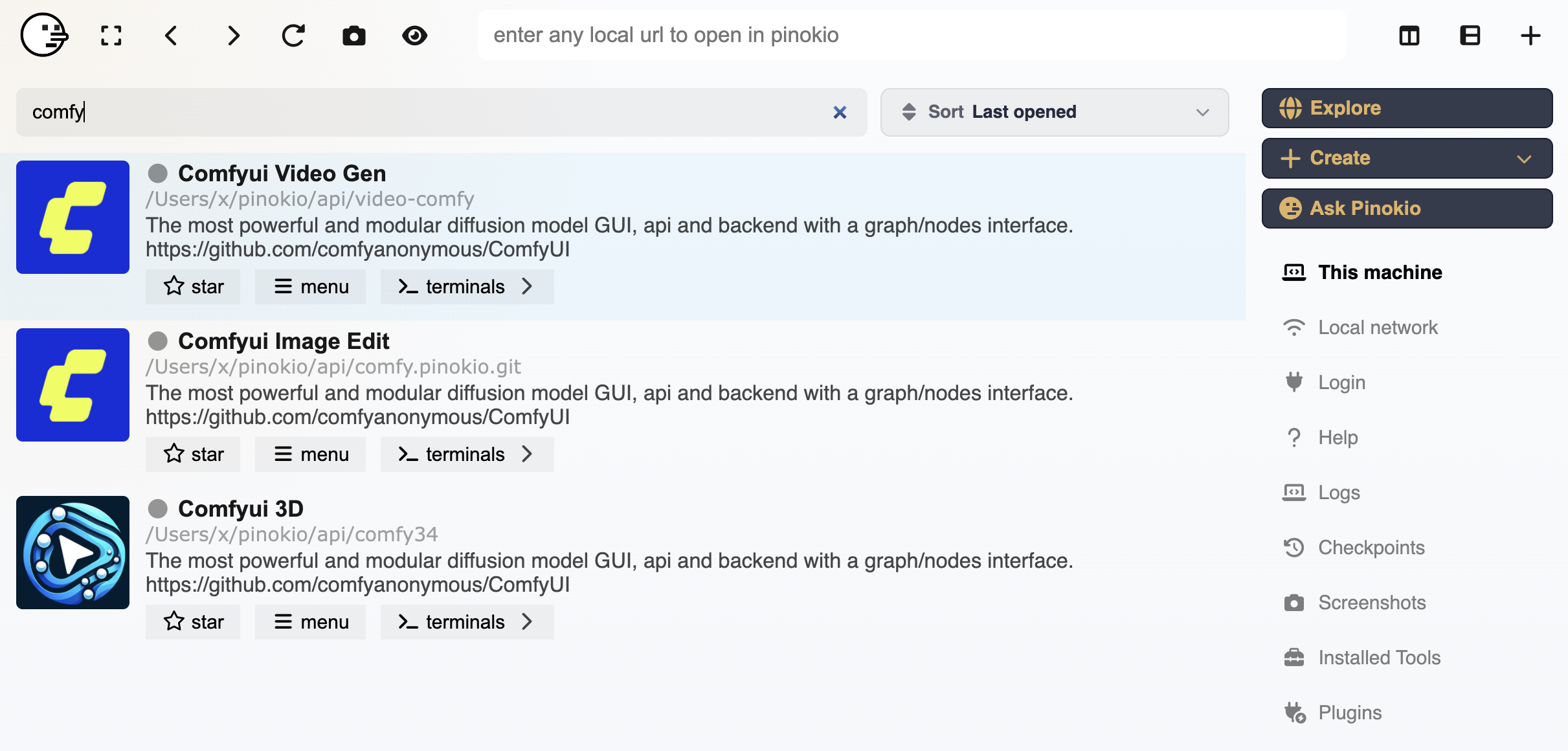
Pinokio is a localhost platform built by independent developer cocktailpeanut, who first pushed the project to GitHub on . The app is an Electron-based browser that wraps a script engine — community-maintained "Pinokio scripts" automate the entire dance of cloning a repo, installing the right Python or Node version, resolving CUDA dependencies, and exposing a web UI on localhost. Instead of a 40-step README, you click Install, then Open.
The project crossed 7,362 GitHub stars and 735 forks as of , and the latest stable build is v7.2.6, shipped on . It is MIT-licensed and runs on macOS, Windows, and Linux.
--disable-gpu requirement on some distros.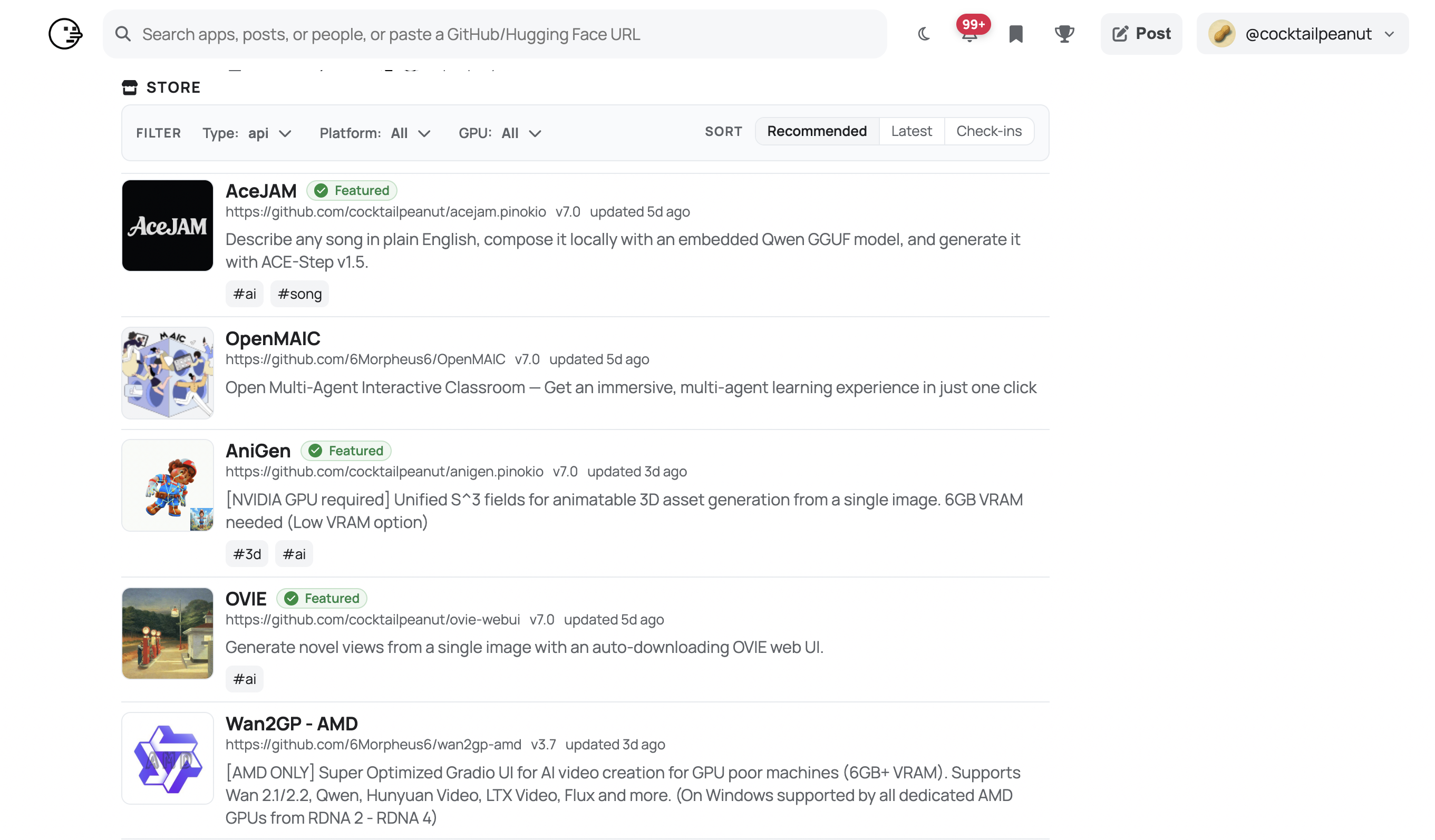
Sentiment is overwhelmingly positive on r/StableDiffusion and r/LocalLLaMA, where Pinokio is the most-recommended starting point for anyone overwhelmed by manual environment setup. A recurring r/StableDiffusion thread describes Pinokio as a "100% free, quality of life app" that saves hours of dependency wrangling. Howtogeek's review concludes that trying local AI models "became way easier" after installing it.
The complaints are real and consistent. Multiple GitHub issues — including #222, #1010, and #1059 — flag GPU detection failures: laptops fall back to integrated Intel graphics, AMD support is patchy, and the Linux AppImage often needs --disable-gpu to launch. Apps that try to load tensors against a missing CUDA device crash with confusing scalar-type errors. Pinokio's creator has confirmed on X that minimum requirements depend entirely on the underlying app, but in practice you want at least 32 GB of RAM and an Nvidia GPU with 8 GB of VRAM for the headline workloads.
Pinokio is 100% free and open source under the MIT license. There is no Pro tier, no paid cloud, no subscription. The only cost is your hardware and electricity bill.
| Plan | Price | What's Included |
|---|---|---|
| Pinokio (only plan) | $0 | Full app, every community script, all platforms, MIT source on GitHub |
Best for: Hobbyists, AI artists, indie developers, and tinkerers who want to run image, video, and audio AI models locally without spending an evening fighting Conda. It's also great for instructors who want students to spin up the same model with one click.
Not ideal for: Users on a base-spec laptop with no discrete GPU — most flagship apps will OOM or crawl on integrated graphics. AMD GPU owners on Linux will hit more friction than they expect. Production teams wanting reproducible, audited deployments should reach for Docker, Modal, or Replicate instead of community scripts.
Pros:
Cons:
~/pinokio tree.For local LLMs specifically, Jan and Open WebUI are cleaner single-purpose options. AnythingLLM overlaps for RAG-style workflows. If you only care about Stable Diffusion, ComfyUI's standalone portable build skips the Pinokio layer entirely. For reproducibility, Replicate or Modal let you run the same models in the cloud with versioned containers.
If you have a recent Nvidia GPU and 32 GB of RAM, Pinokio is the fastest way we know to go from "I want to try this trending AI tool" to actually running it. Hand it to a friend who's curious about Stable Diffusion or local Llama models and they'll be generating output within an hour. That alone earns it a 78/100. The score isn't higher because GPU detection is still rough on Linux and AMD hardware, error messages can be cryptic when an underlying app misbehaves, and there is no sandboxing layer between scripts and your filesystem. For its target audience — tinkerers and creators on capable hardware — it's the best tool of its kind in 2026.
ServiceNow and Accenture Launch Forward Deployed Engineering Program to Scale Agentic AI in the Enterprise (May 6, 2026)
At Knowledge 2026, ServiceNow and Accenture announced a joint forward deployed engineering program that drops co-located engineer pods into customer environments to ship agentic AI workflows natively on the ServiceNow AI Platform — with access to 300+ pre-built agent skills and the AI Control Tower as the governance backbone.
May 7, 2026
ReFiBuy Raises $13.6M Seed to Help Brands Get Recommended by AI Shopping Agents (May 5, 2026)
ReFiBuy, the Raleigh-based agentic commerce platform from ChannelAdvisor founder Scot Wingo, closed an oversubscribed $13.6M seed led by NewRoad Capital Partners on May 5, 2026 — betting that the next billion-dollar e-commerce moat is being chosen by ChatGPT, Claude and Perplexity.
May 7, 2026
OpenAI Replaces ChatGPT's Default Model With GPT-5.5 Instant — 52.5% Fewer Hallucinations, 30% Shorter Answers (May 5, 2026)
OpenAI on May 5 swapped GPT-5.3 Instant for the new GPT-5.5 Instant as ChatGPT's default model, claiming 52.5% fewer hallucinated claims on high-stakes prompts and 30% more concise answers. The model also rolls into the API as chat-latest and adds personalization from Gmail and past chats for Plus and Pro web users.
May 7, 2026
Is this product worth it?
Built With
Compare with other tools